Create new Epics
You can create a new Epic in Azure DevOps directly from within the OKRsignal widget. The new Epic is created in ADO, tagged with the OKR title, and connected to your OKR in one step.
Edit mode required
You must be in edit mode to create Epics. Click the Edit button on the OKRsignal widget to enter edit mode.
Click "Create Epic"
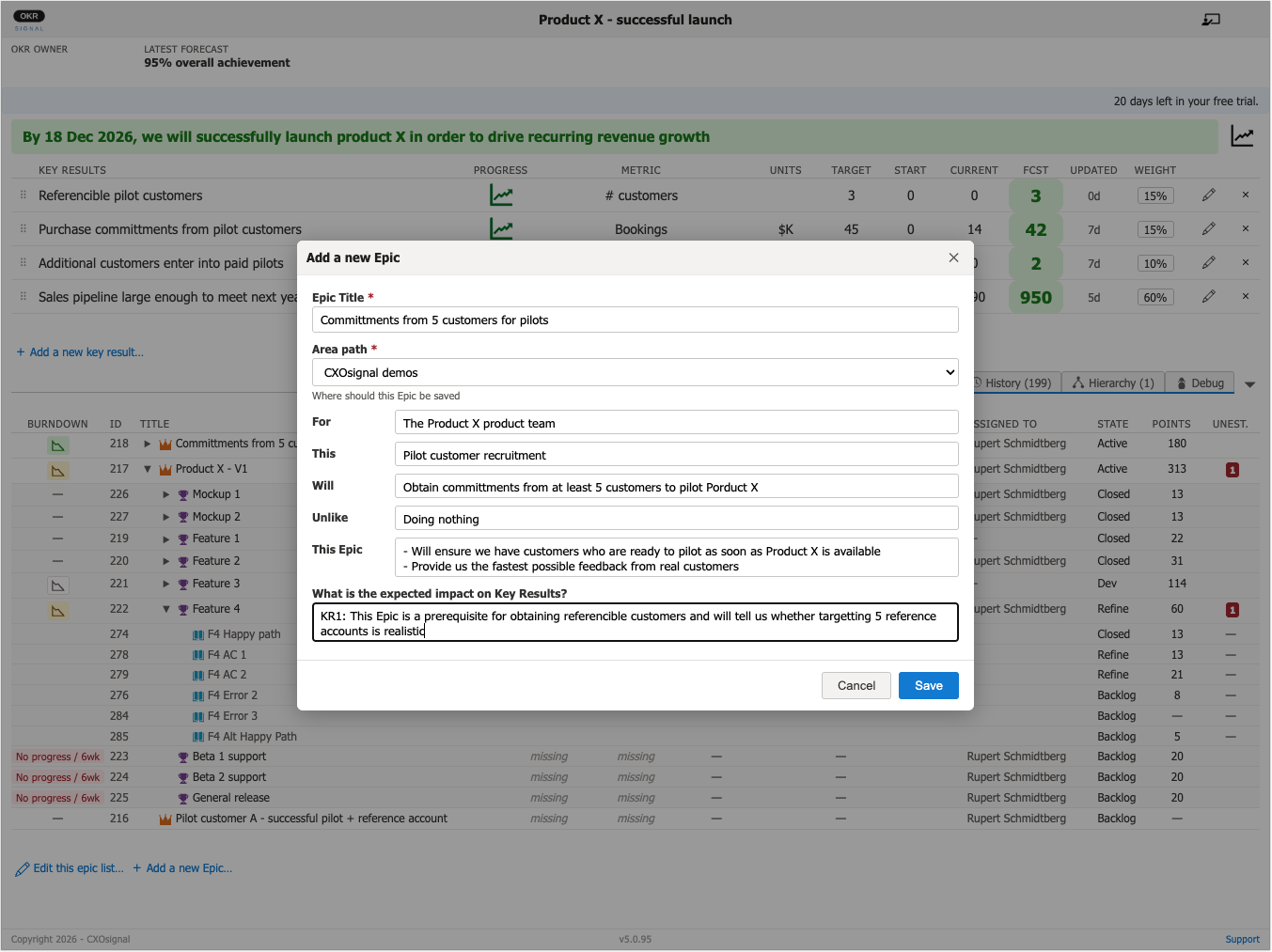
Click the Add a new Epic button to open the new Epic form.
Fill in the Epic details
Enter the Epic title and select the area path where the new Epic should be saved.
OKRsignal creates the Epic in Azure DevOps, adds the OKR title as a tag, and immediately connects it to the widget. The new Epic appears in the Epics section.
Editing an Epic's details
Clicking on the name of the Epic will open a separate browser tab displaying the standard ADO Epics details page.